5月 30
いやぁ知らなかった。Macで使わせて頂いているスクリーンセーバーのiPhone版が出ました!無料デス!
このスクリーンセーバーのデザインは最高です。しかも、色々な格言や、歴史的な事柄まで、なにげに勉強になったりもします。

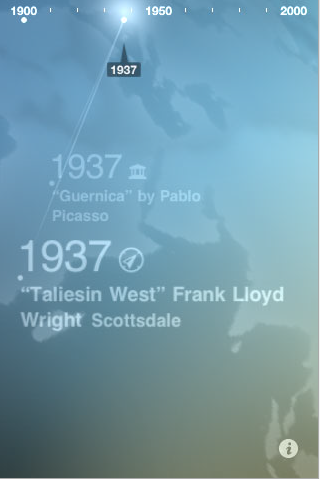
いやぁ知らなかった。Macで使わせて頂いているスクリーンセーバーのiPhone版が出ました!無料デス!
このスクリーンセーバーのデザインは最高です。しかも、色々な格言や、歴史的な事柄まで、なにげに勉強になったりもします。
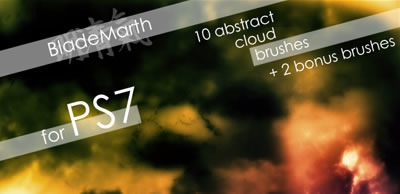
水彩画調のブラシのご紹介。すばらしいです。
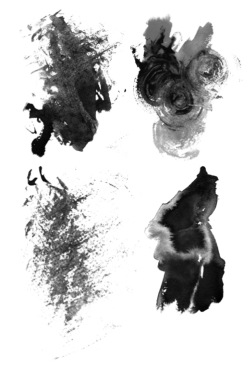
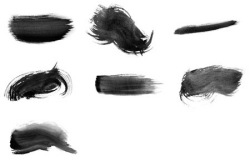
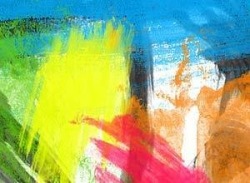

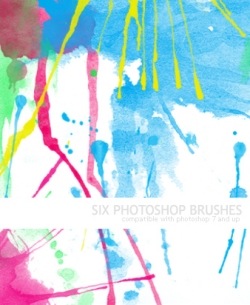
その他は以下の引用元からどうぞ
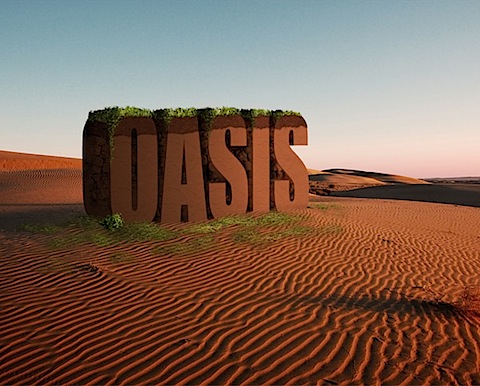
あのロゴどう作ったのかなと、日々感心しているのですが、こんな風に作ってるんだと納得の16サイトのご紹介





その他は以下の引用元からどうぞ
独学でPhotoshopを習得すると光源やパースなどがでたらめだったりします。
そんなこんなで、今一度基礎から勉強してみたいと言う人は以下のチュートリアルが参考になるのではないでしょうか。
詳細は以下の引用元からどうぞ
美しいですね。あまりごちゃごちゃいじらずデフォルト美を好む人にはいいかもしれないですね。

あれ、これって昔有料じゃなかった?このスクリンセーバーすごいかっこいいですよね。数字のブロックが水中に落ちてくるのですが、素晴らしい。
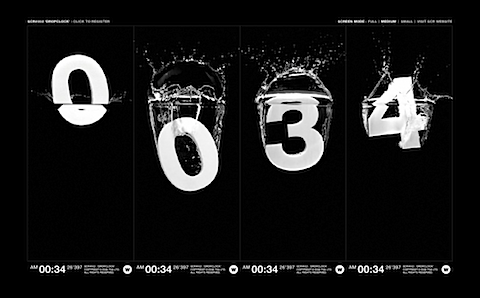
世界時計
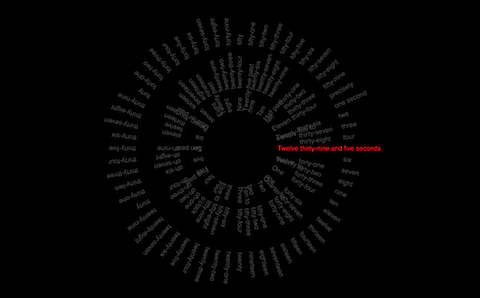
Diggのラボで公開されているスクリーンセーバー。Diggで話されているtopicが表示されます。
右上にDownload BigSpy as a screensaverのがあるのでそこからDL。

最高です。これ使ってます。何よりも美しい&勉強になるよ!。作られたデザイナーさんリスペクトです。記事の引用もとには無いスクリンセーバーなのですが、かれこれ2年?程使い込んでますね。なんて言うか正直言うと上であげた4つなんかどうでもいいです。これさえあれば。
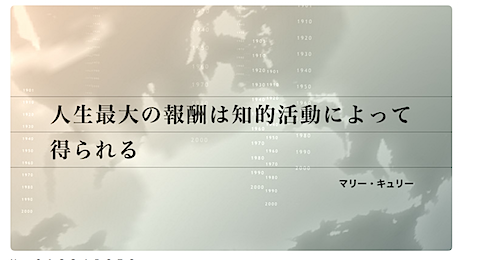
ああ、DropClockはいいよ!昔有料でそれさえ無ければ使ってた!後ちょー重かった!ようなきがする。
その他は以下の引用元からどうぞ
この手のチュートリアルだと、「で、そこどうやってつくるの?そこが知りたいのに。」みたいな事が多いのですが丁寧にチュートリアルが書かれていて、いい感じです。

詳細は以下の引用元からどうぞ
via How to Create a Clean Web 2.0 Style Web Design in Photoshop
手元にmac環境しかありませんのでmacで話を進めます。
まずはCarbon Emacsをダウンロード
次にrinariをダウンロード
gitコマンドを入れてない人は
Macの人はmac portsをインストールしてください
sudo port install git-core +gitweb +svn
GUIが良い人はporticusからでもgitを入れてください。
さて、gitのインストールがすんでいる人はrinariとrhtml-mode(erbのハイライト)をインストールします。
インストールする場所は何処でも良いのですがここではホームディレクトリ以下の~/.emacs.d/にインストールします
cd ~/.emacs.d
git clone git://github.com/eschulte/rinari.git
cd rinari
git submodule init
git submodule update
cd ~/.emacs.d
git clone git://github.com/eschulte/rhtml.git
rinariにはsnippetが入っていないのでyasnippetとRails snippetsをインストールします。
yasnippetのダウンロードページにはyasnippet-bundleとyasnippetがありますが
今回はyasnippet-0.5.10.tar.bz2をダウンロード
cd ~/.emacs.d
curl -O http://yasnippet.googlecode.com/files/yasnippet-0.5.10.tar.bz2
tar jxf yasnippet-0.5.10.tar.bz2
cd yasnippet-0.5.10
mv * ../
cd ../
rm -rf yasnippet-0.5.10
rm yasnippet-0.5.10.tar.bz2
cd ~/.emacs.d/snippets
git clone git://github.com/eschulte/yasnippets-rails.git
これでrailsの開発環境が整いましたが、linum(行番号表示機能)とelscreen(タブ機能)を追加します
cd ~/.emacs.d/
curl -O http://stud4.tuwien.ac.at/~e0225855/linum/linum.el
curl -O ftp://ftp.morishima.net:21//pub/morishima.net/naoto/ElScreen/elscreen-1.4.6.tar.gz
tar xzvf elscreen-1.4.6.tar.gz
mv ~/.emacs.d/elscreen-1.4.6/elscreen.el ~/.emacs.d/
rm -rf ~/.emacs.d/elscreen-1.4.6
rm ~/.emacs.d/elscreen-1.4.6.tar.gz
次に.emacsの設定に移ります。
cd ~/
vi .emacs
なんでviなんだって話だと思うんですが、emacsにまだなれてなくて。。
;;; utf8
(set-language-environment "Japanese")
(set-terminal-coding-system 'utf-8)
(set-keyboard-coding-system 'utf-8)
(set-buffer-file-coding-system 'utf-8)
(setq default-buffer-file-coding-system 'utf-8)

;;; base setting
(setq line-number-mode t) ;;カーソル行番号表示
(setq inhibit-startup-message t) ;;スタートアップメッセージ非表示
(setq-default tab-width 4) ;;tab4文字
(setq make-backup-files nil) ;;バックアップファイルを作らない
(setq visible-bell t) ;;警告音無し
(setq frame-title-format "%b") ;;タイトルにファイル名表示
(display-time) ;;時計表示
(auto-compression-mode t) ;;日本語info文字化け防止
(global-hl-line-mode) ;;行ハイライト
(tool-bar-mode nil) ;;ツールバー非表示
(show-paren-mode 1) ;;対応括弧ハイライト

;;; color
(setq initial-frame-alist
(append (list
 '(width . 120) ;;フレームの幅
 '(height . 40) ;;フレームの高さ
 '(top . 0) ;;Y 表示位置
 '(left . 340) ;;X 表示位置
)
initial-frame-alist))
(setq default-frame-alist initial-frame-alist)
(set-frame-parameter nil 'alpha 90 ) ;;windowの透明度設定

;;; theme-monokai
(custom-set-faces
 '(default ((t (:stipple nil :background "#272822" :foreground "#F8F8F2" :inverse-video nil :box nil :strike-through nil :overline nil :underline nil :slant normal :weight normal :height 98 :width normal :family "outline-consolas"))))
 '(cursor ((t (:background "#F8F8F2" :foreground "#272822"))))
 '(font-lock-comment-face ((((class color) (min-colors 88) (background dark)) (:foreground "#75715E"))))
 '(font-lock-function-name-face ((((class color) (min-colors 88) (background dark)) (:foreground "#A6E22E"))))
 '(font-lock-keyword-face ((((class color) (min-colors 88) (background dark)) (:foreground "#F92672"))))
 '(font-lock-preprocessor-face ((t (:inherit font-lock-builtin-face :foreground "#66d9ef"))))
 '(font-lock-string-face ((((class color) (min-colors 88) (background dark)) (:foreground "#E6DB74"))))
 '(font-lock-type-face ((((class color) (min-colors 88) (background dark)) (:foreground "#66d9ef"))))
 '(font-lock-variable-name-face ((((class color) (min-colors 88) (background dark)) (:foreground "#FD971F"))))
 '(region ((((class color) (min-colors 88) (background dark)) (:background "#49483E"))))
 '(show-paren-match ((((class color) (background dark)) (:background "#3E3D32"))))
 '(variable-pitch ((t (:family "DejaVu Sans")))))

(setq load-path
(append
(list
(expand-file-name "~/.emacs.d/")
)
load-path))

;; Interactively Do Things (highly recommended, but not strictly required)
(require 'ido)
(ido-mode t)

;; Rinari
(add-to-list 'load-path "~/.emacs.d/rinari")
(require 'rinari)

;;; rhtml-mode
(add-to-list 'load-path "~/.emacs.d/rhtml")
(require 'rhtml-mode)
(add-hook 'rhtml-mode-hook
(lambda () (rinari-launch)))

;;; yasnippet
(require 'yasnippet)
(yas/initialize)
(yas/load-directory "~/.emacs.d/snippets/rails-snippets")

;;; line-number
(require 'linum)
(global-linum-mode t)
(setq linum-format "%5d")

;;; elscreen
(require 'elscreen)
;; PrefixキーをC-zに割り当て
(if window-system
 (define-key elscreen-map "\C-z" 'iconify-or-deiconify-frame)
  (define-key elscreen-map "\C-z" 'suspend-emacs))
エラーが出るようであればpluginのパスを環境に合わせて変えてみてください。
emacsを立ち上げて
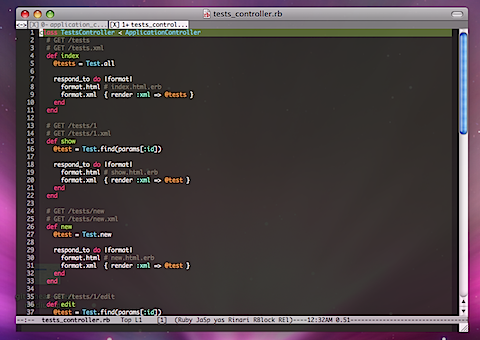
こんな画面になれば成功です。
C-c ; wでmongrel起動
C-c C-cでmongrel終了
その他キーバインドはまた次の機会にでも書きたいと思います。
間違い等がありましたら教えて頂けると助かります。
さて、日々の開発はtextmateで行っているのですが、何となくemacsくらい使えないとだめかなぁと思い立ちCarbon Emacsをダウンロード
emacsはC++のコーディングにしか使った事なく、ほとんど使い方がわからなかったのですが、rinariを使うとかなりイケテルとの事でなんとなく入れてみました。
textmateでも使っているmonokaiというテーマのパクリです。
.emacs.elにでも貼付けてください。
(custom-set-faces
'(default ((t (:stipple nil :background "#272822" :foreground "#F8F8F2" :inverse-video nil :box nil :strike-through nil :overline nil :underline nil :slant normal :weight normal :height 98 :width normal :family "outline-consolas"))))
'(cursor ((t (:background "#F8F8F2" :foreground "#272822"))))
'(font-lock-comment-face ((((class color) (min-colors 88) (background dark)) (:foreground "#75715E"))))
'(font-lock-function-name-face ((((class color) (min-colors 88) (background dark)) (:foreground "#A6E22E"))))
'(font-lock-keyword-face ((((class color) (min-colors 88) (background dark)) (:foreground "#F92672"))))
'(font-lock-preprocessor-face ((t (:inherit font-lock-builtin-face :foreground "#66d9ef"))))
'(font-lock-string-face ((((class color) (min-colors 88) (background dark)) (:foreground "#E6DB74"))))
'(font-lock-type-face ((((class color) (min-colors 88) (background dark)) (:foreground "#66d9ef"))))
'(font-lock-variable-name-face ((((class color) (min-colors 88) (background dark)) (:foreground "#FD971F"))))
'(region ((((class color) (min-colors 88) (background dark)) (:background "#49483E"))))
'(show-paren-match ((((class color) (background dark)) (:background "#3E3D32"))))
'(variable-pitch ((t (:family "DejaVu Sans")))))
テーマは下記ページからの引用です。
I get so tired of searching for programming editor color schemes
いやあああつかいやすいわあああああ!
textmateとはまた違う操作感。textmateを使ってなかったら100%こちらを使うでしょうね!
ということでrails用にって何をって話で以下のplugin?とか入れてます。
ido
rinari
yasnippet+rails-snippets(スニペット)
linum(行表示)
elscreen(tab表示)
ruby-block(対応ブロック表示)
を使っています。反応があれば、emacs.elとpluginの設定でも次回書きますか。
あぁ。emacsよくわかってないので小汚くても良ければですが。
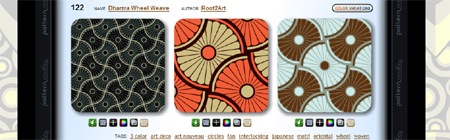
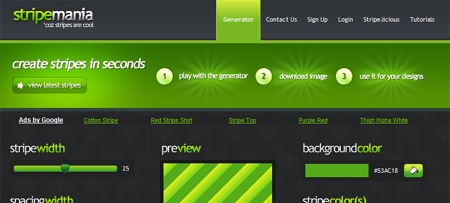
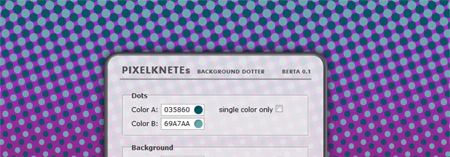
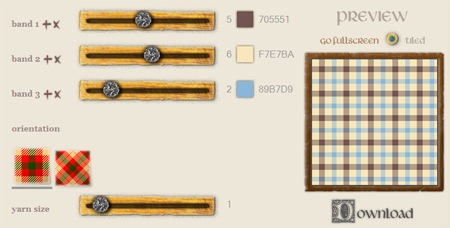
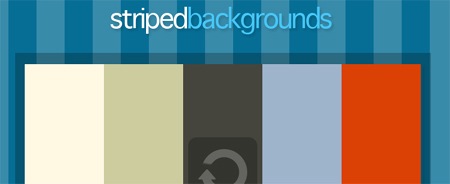
背景パターンを作成してくれるサイトです。リンク元のサイトにはロゴ作成やcss作成などその他有益な情報も掲載されています。



Recent Comments